Mooon Chrome Extension
"Japanese Ghost" in Your Browser
Learn Japanese in real scenarios: Immersively read any Japanese webpages and Youtube video subtitles
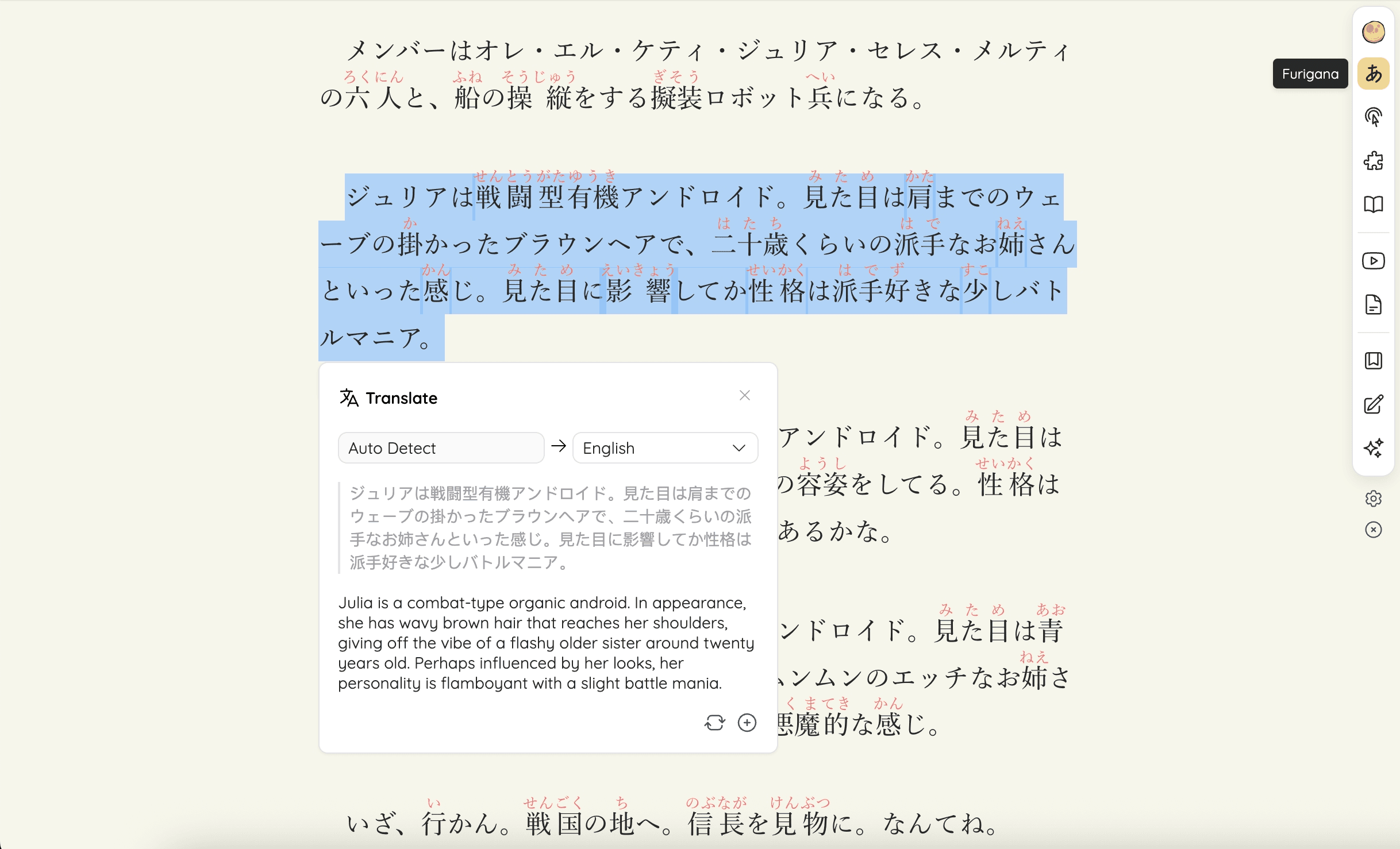
Webpage Furigana
Add furigana and borrowed words to Japanese webpages, accurately annotating niche vocabulary with a million-scale curated lexicon
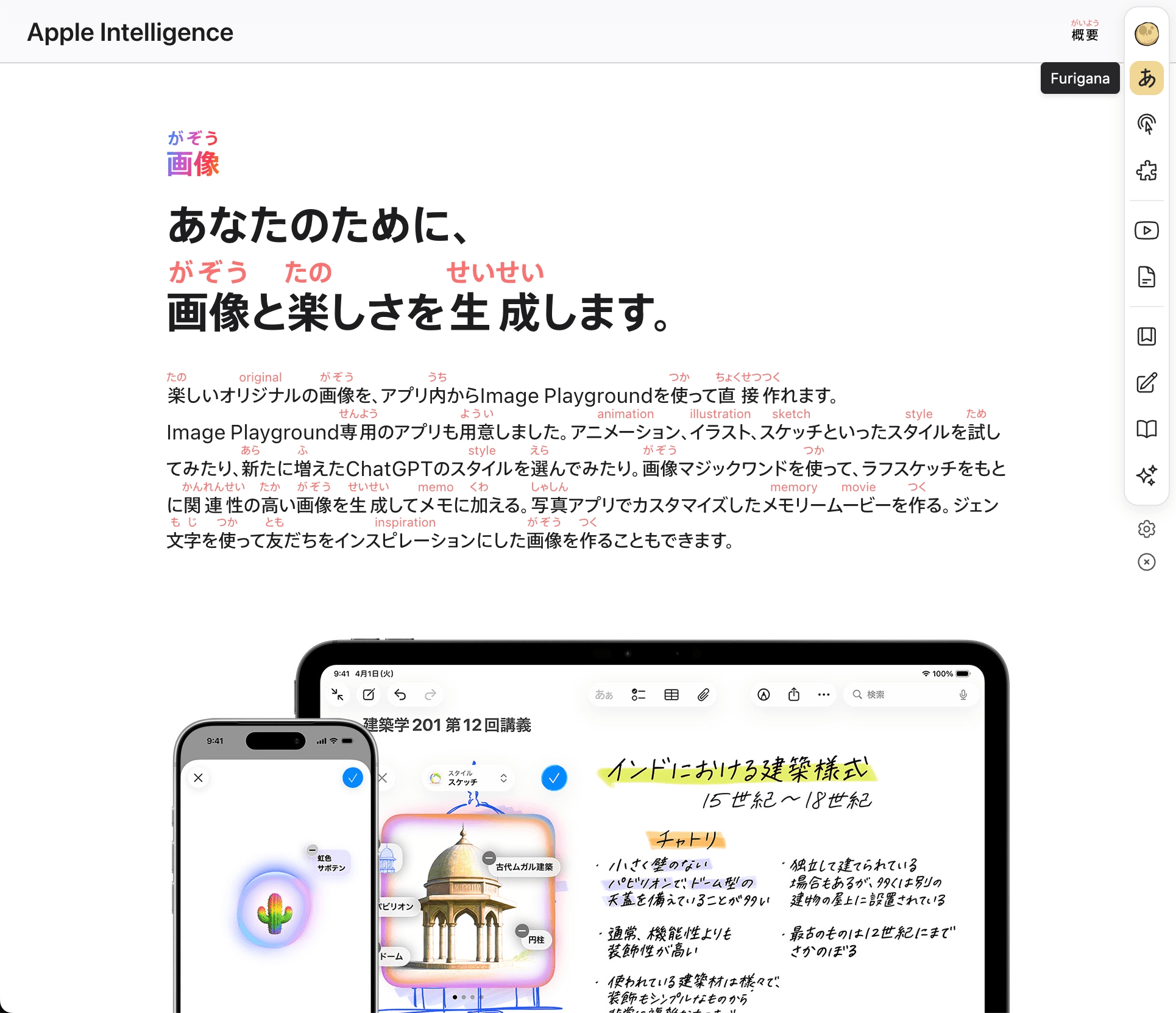
Intelligent Toolbar
Select texts to instantly translate, explain, lookup, read-aloud and more. Stay focused while reading and no more jumping between tools
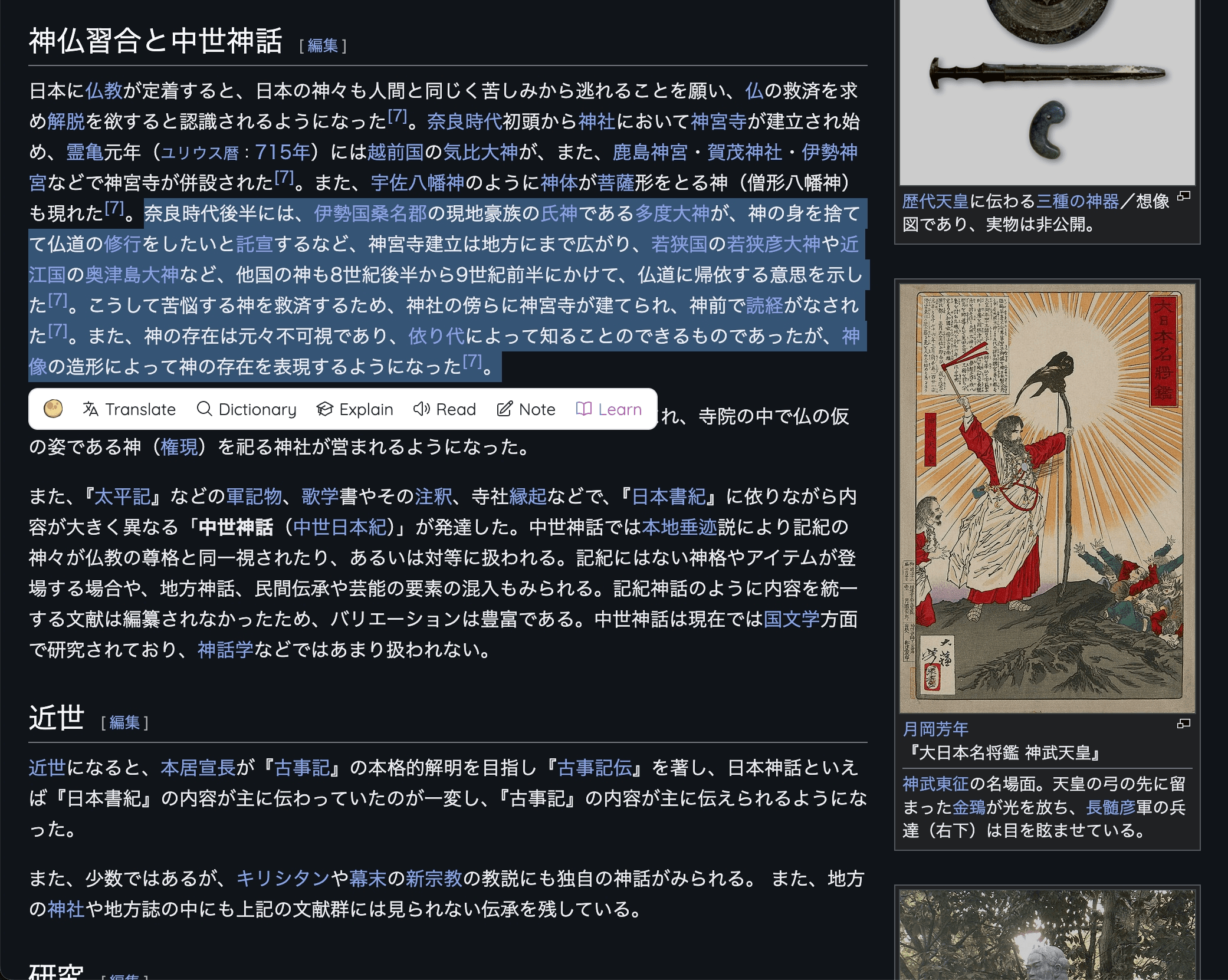
Read Subtitles
Browse Japanese Youtube subtitles in real-time synchronization with the video. View furigana, wordlist, translation, and explanation

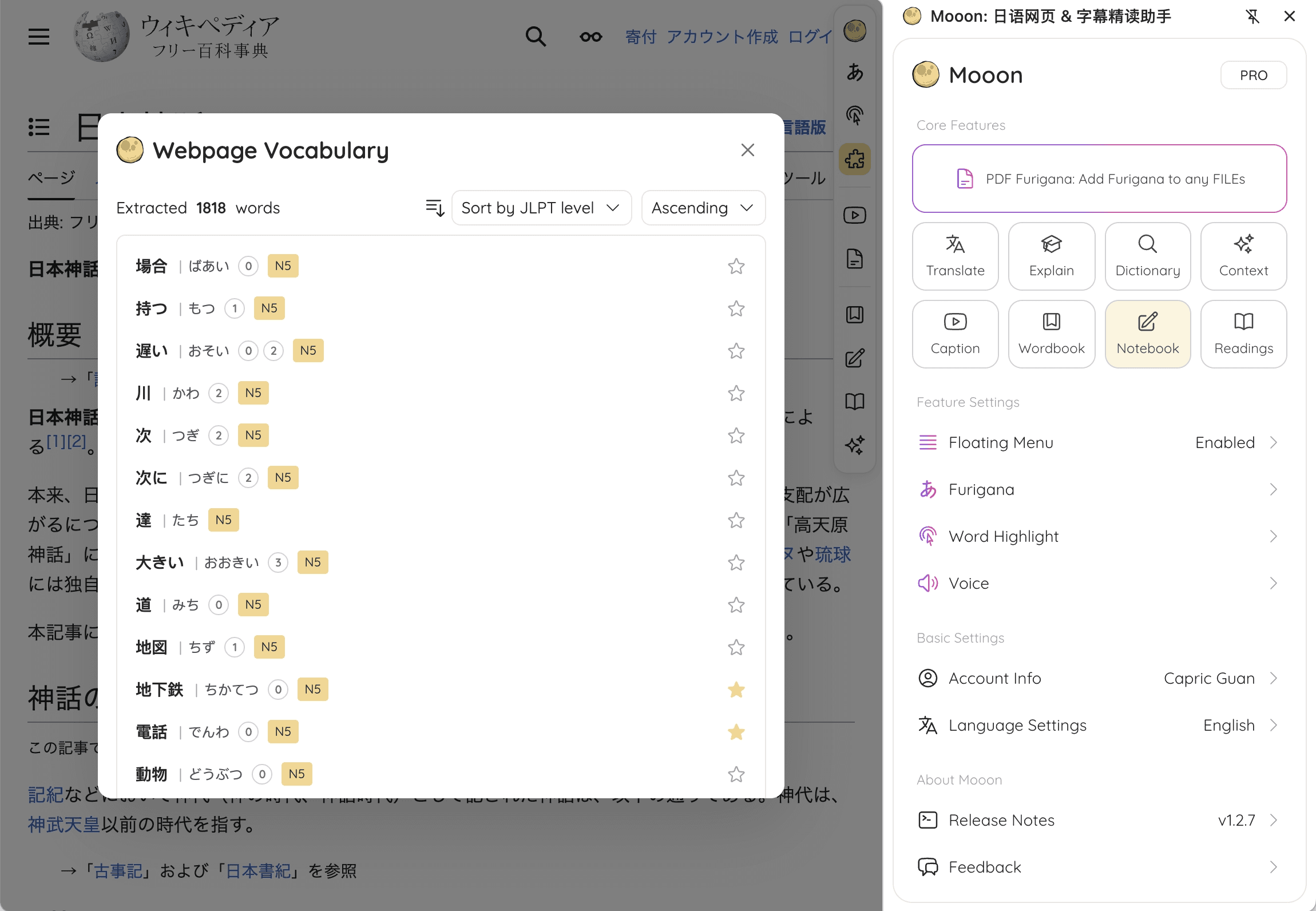
Build Knowledge
Save words, take notes and collect texts as reviewable reading materials from webpages. Build your Japanese knowledge base
Webpage Furigana
Add furigana and borrowed words to Japanese webpages, accurately annotating niche vocabulary with a million-scale curated lexicon
Intelligent Toolbar
Select texts to instantly translate, explain, lookup, read-aloud and more. Stay focused while reading and no more jumping between tools
Read Subtitles
Browse Japanese Youtube subtitles in real-time synchronization with the video. View furigana, wordlist, translation, and explanation
Build Knowledge
Save words, take notes and collect texts as reviewable reading materials from webpages. Build your Japanese knowledge base
All features at your fingertips
Integrate all features seamlessly into your Japanese web-reading. No tools switching and protect your focus
Furigana
Annotate kanji with furigana, and foreign words with original text.
Translate
Instant translation of selected text enhanced by AI
Explain
Deep explanation of the selected text with cultural background
Dictionary
Fast lookup for readings, meanings, examples, and JLPT levels
Read
Read selected text aloud with natural Japanese voices
Highlight
Highlight JLPT words and grammar on the current content
Words Extraction
Extract word list from current content for quick collection
Notes
Add notes and collect content with source reference
Wordbook
Collect vocabulary for centralized review
Reading List
Save custom reading materials, with various export formats
Choose the Plan That's Right for You
Start with a free experience, unlock more features anytime with Pro
Free
Get To Know Mooon's Core Features
Pro
Unlock Complete Feature Ecosystem
If you need support or feature feedbacks, please submit Contact & Feedback here
Frequently Asked Questions
Answers to common questions about Mooon
What file formats does Mooon support?
Mooon supports PDF, EPUB, TXT, PNG, and JPG. Maximum file size is 100MB per file.